


Denon DJ DN-HD2500 - Formatting the Internal/External HDD
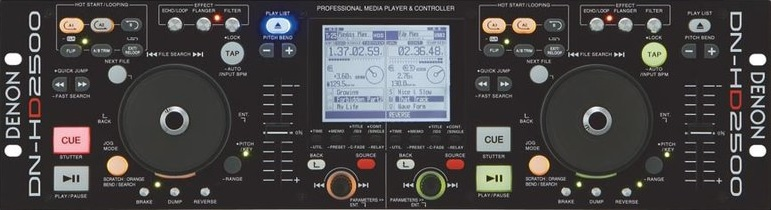 The DN-HD2500 is a hard-drive based, professional media player and controller offering a total all-in-one “nerve center” that addresses and actually anticipates ever changing needs. Flexible and packed with features, the DN-HD2500 is built for any event where professional-quality and flawless performance is expected.
In this article you will learn how to format your external or internal storage drive using the DN-HD2500.
Firmware Update
First, please make sure your unit is up to date with firmware. The latest firmware is version 1400 and can be found here.
Storage Format
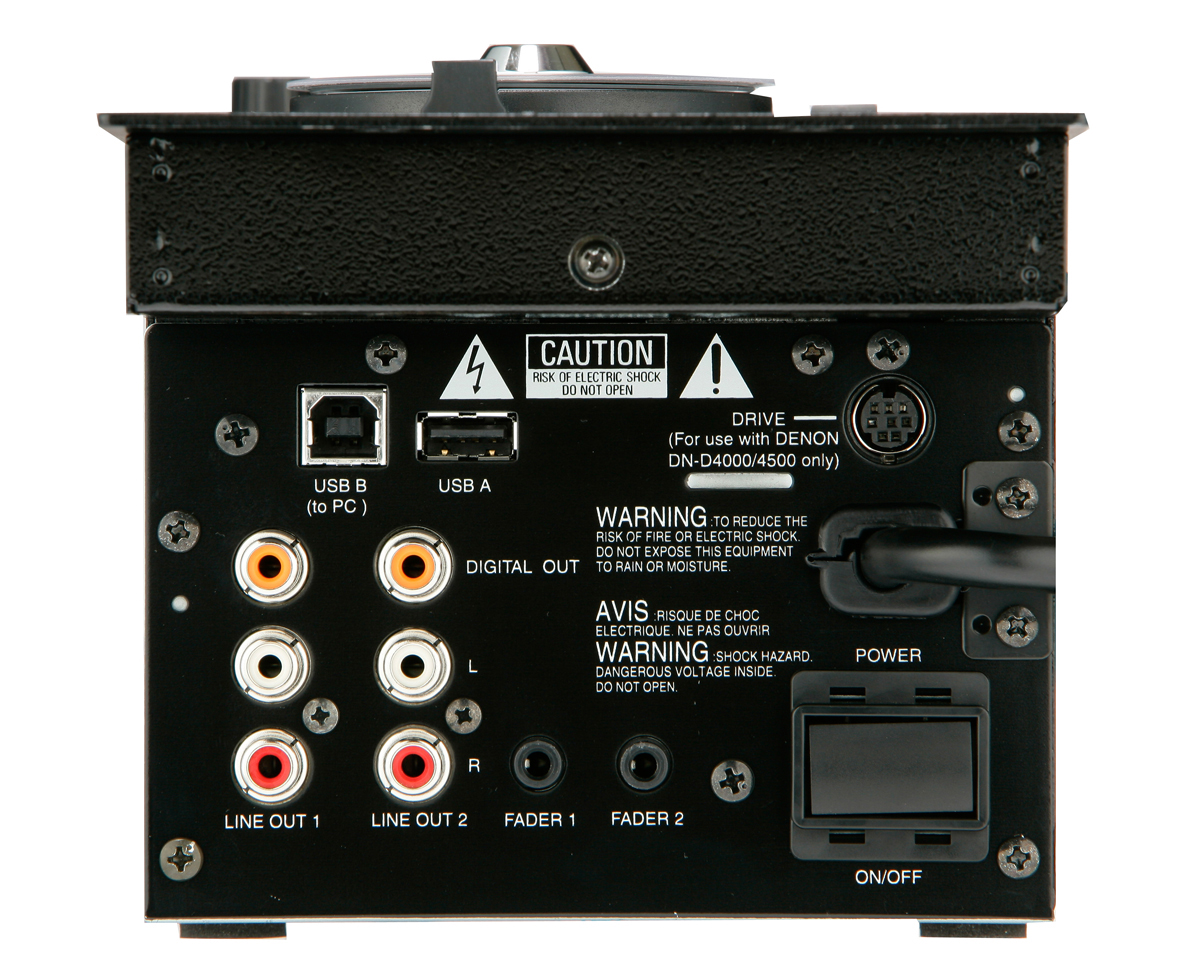
- Once your DN-HD2500 is running the latest firmware, power the unit on. If formatting an external media device, a USB thumb drive or an external hard drive, plug them into the port marked USB A now. See below figure for reference.
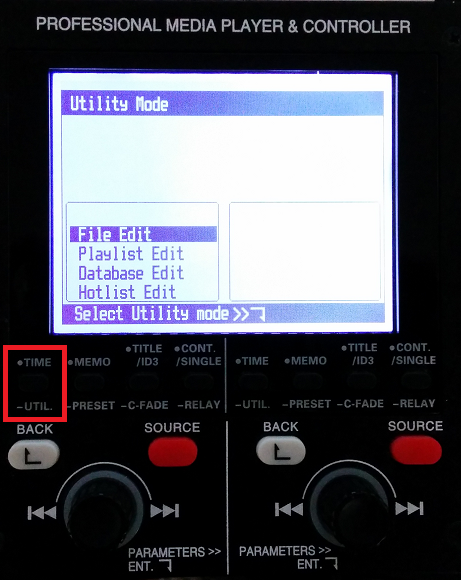
- Now, press and hold the Time/Util. button until the Utility Mode appears on the screen.
- At this point, scroll down to Initialization using the PARAMETERS>> knob. When highlighted, press down on the PARAMETERS>> knob.
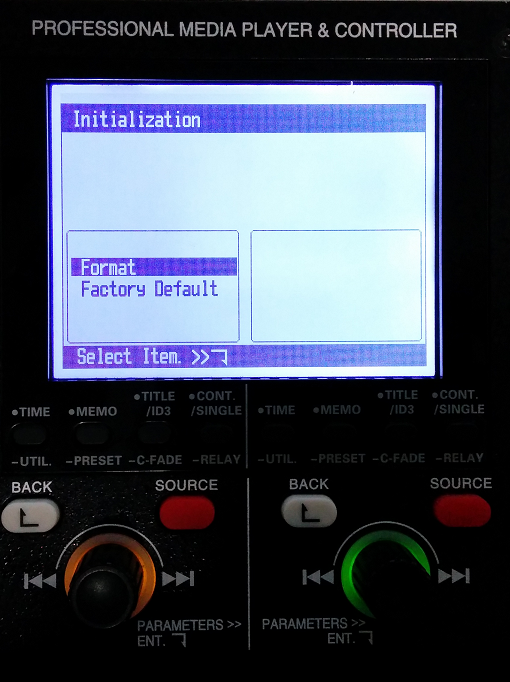
- From here, select the Format option by pressing down on the PARAMETERS>> knob. Then, select either HDD (for the internal hard drive) or USB1 (for external devices).

Note: Formatting will erase ALL content of the storage device.
- Lastly, confirm your choice by selecting OK then pressing down on the PARAMETERS>> knob.
Once the process is completed, your storage media is free to be populated with your audio content.
Further Technical Support
Whether you are a customer or dealer, if you already own a Denon DJ product, or if you just have pre-sales questions, the Denon DJ technical support team is available to help!
Visit the link below to connect with any of the following support options: online community support, phone support, email support.