


Denon DJ MCX8000 - Setup and Tutorial Videos
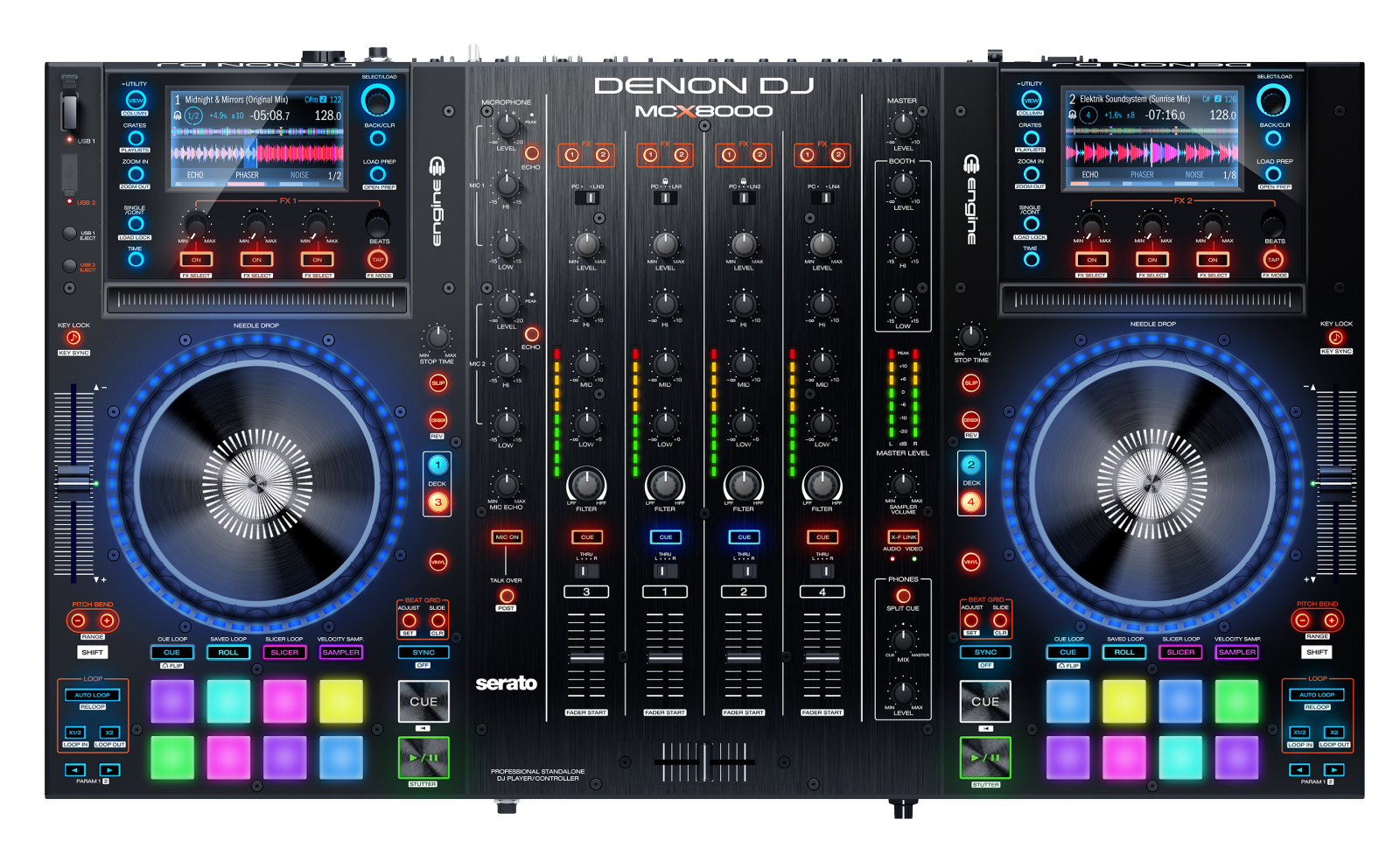 In these videos, DJ/Producer D.Ramirez presents an in-depth tutorial on the Denon DJ MCX8000. He provides a walk-through on how to use the MCX8000 with the built-in Engine software as well as with Serato DJ.
Contents
- Full Overview
- Part 1 - Prepare and Access Your Music
- Part 2 - First Steps in Engine 1.5
- Part 3 - Engine Standalone Performance
- Part 4 - Serato DJ Specific Features
- Part 5 - Tactile Performance Features
- Part 6 - Multi-Input Mixer Section
- Part 7 & 8 - Connectivity & StageLinq
- Additional Guides and Videos
- Further Technical Support
Full Overview
Part 1 - Prepare and Access Your Music
Part 2 - First Steps in Engine 1.5
Part 3 - Engine Standalone Performance
Part 4 - Serato DJ Specific Features
Part 5 - Tactile Performance Features
Part 6 - Multi-Input Mixer Section
Part 7 & 8 - Connectivity & StageLinq
Additional Guides and Videos
- Denon DJ MCX8000 - Overview and Setup with Engine
- Denon DJ MCX8000 - How to Import and Analyze a Serato Crate for Engine
- Denon DJ MCX8000 - Pitch n' Time Complete Setup Walkthrough
- Denon DJ MCX8000 - Optimizing Performance and Improving Latency
- Denon DJ MCX8000 - Getting Rid of Freezing, Distortion, Dropouts and Other Performance Issues
- Denon DJ MCX8000 - Crossfader Replacement
Further Technical Support
Whether you are a customer or dealer, if you already own a Denon DJ product, or if you just have pre-sales questions, the Denon DJ technical support team is available to help!
Visit the link below to connect with any of the following support options: online community support, phone support, email support.